Guided Salah Flow
Follow each prayer step in sequence with Arabic text, transliteration, and meaning. Designed for clarity when you need it most.
A Guided Prayer Companion
Maqam Prayer helps you stay calm and focused in Salah with guided recitation, clear step flow, Qibla direction, and practical tools built for real daily use.
Live Prayer Times
Step-by-Step Salah
Qibla Compass
Custom Timing
Apple Watch
Follow each prayer step in sequence with Arabic text, transliteration, and meaning. Designed for clarity when you need it most.
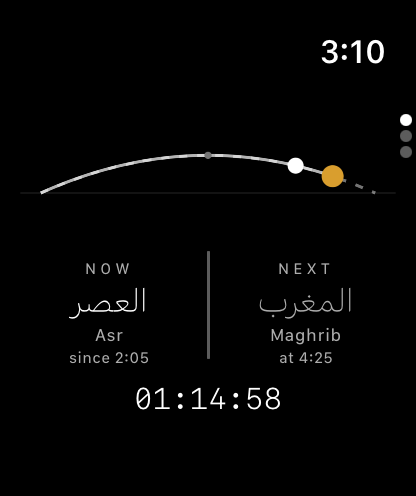
See current/next prayer with countdown and personalized pacing controls per step, including live in-prayer adjustments.
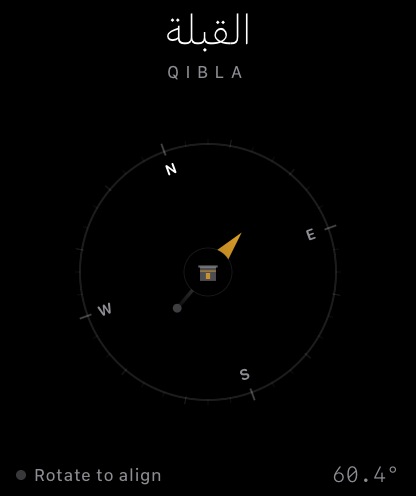
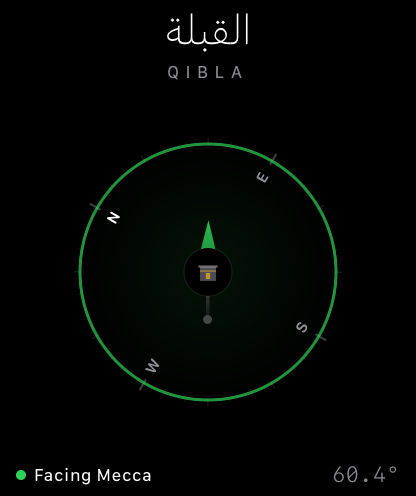
Use heading + location for real-time Qibla guidance, with clear alignment feedback and calibration cues.
Novice mode, Adhan options, and integrated Wudu guide support daily consistency without overwhelming your routine.
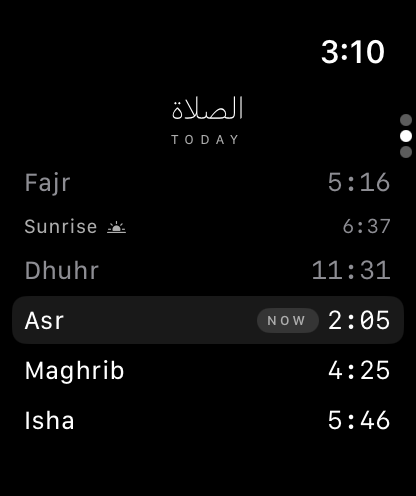
See your prayer times on a sun-path view, check today's times, and find the Qibla from your wrist. Everything is synced from your iPhone.
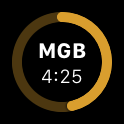
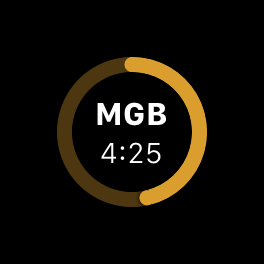
Keep the next prayer and its time right on your watch face, so you can see it at a glance.
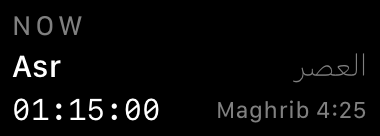
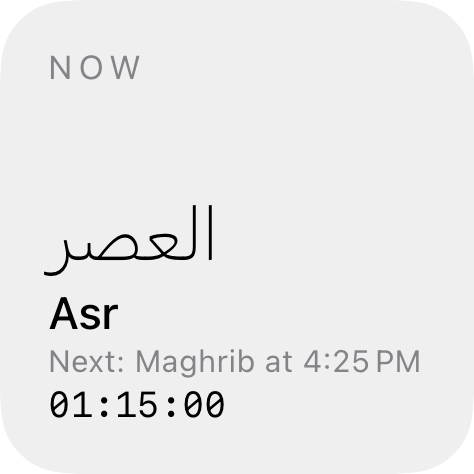
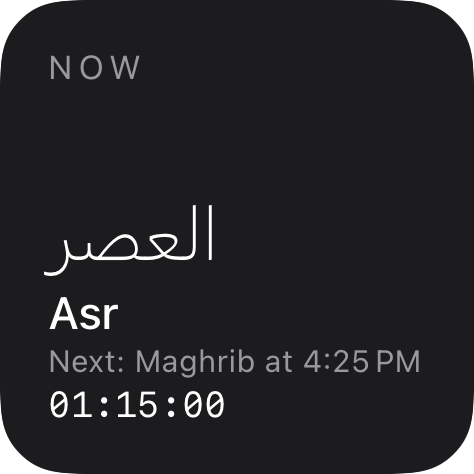
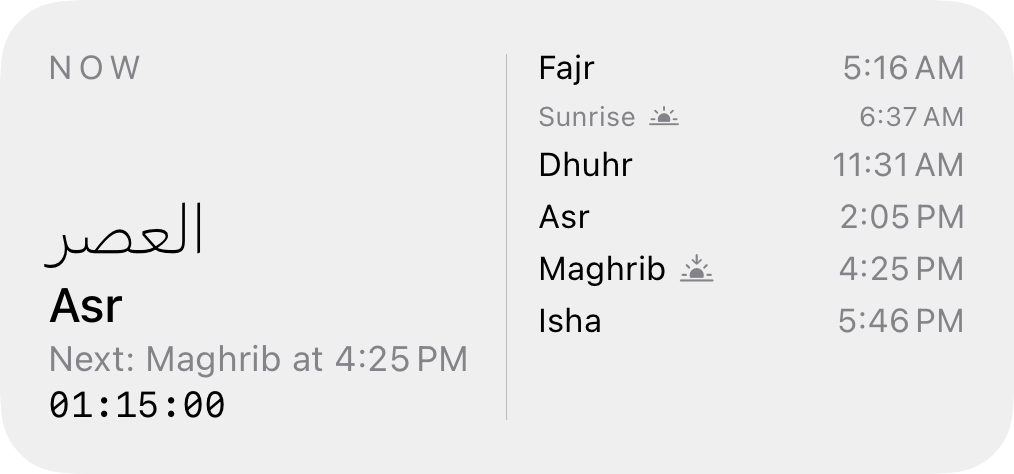
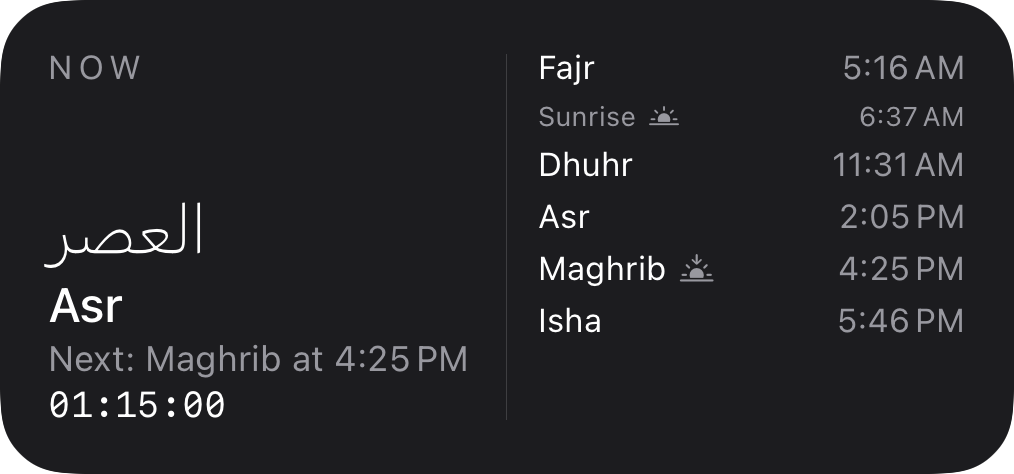
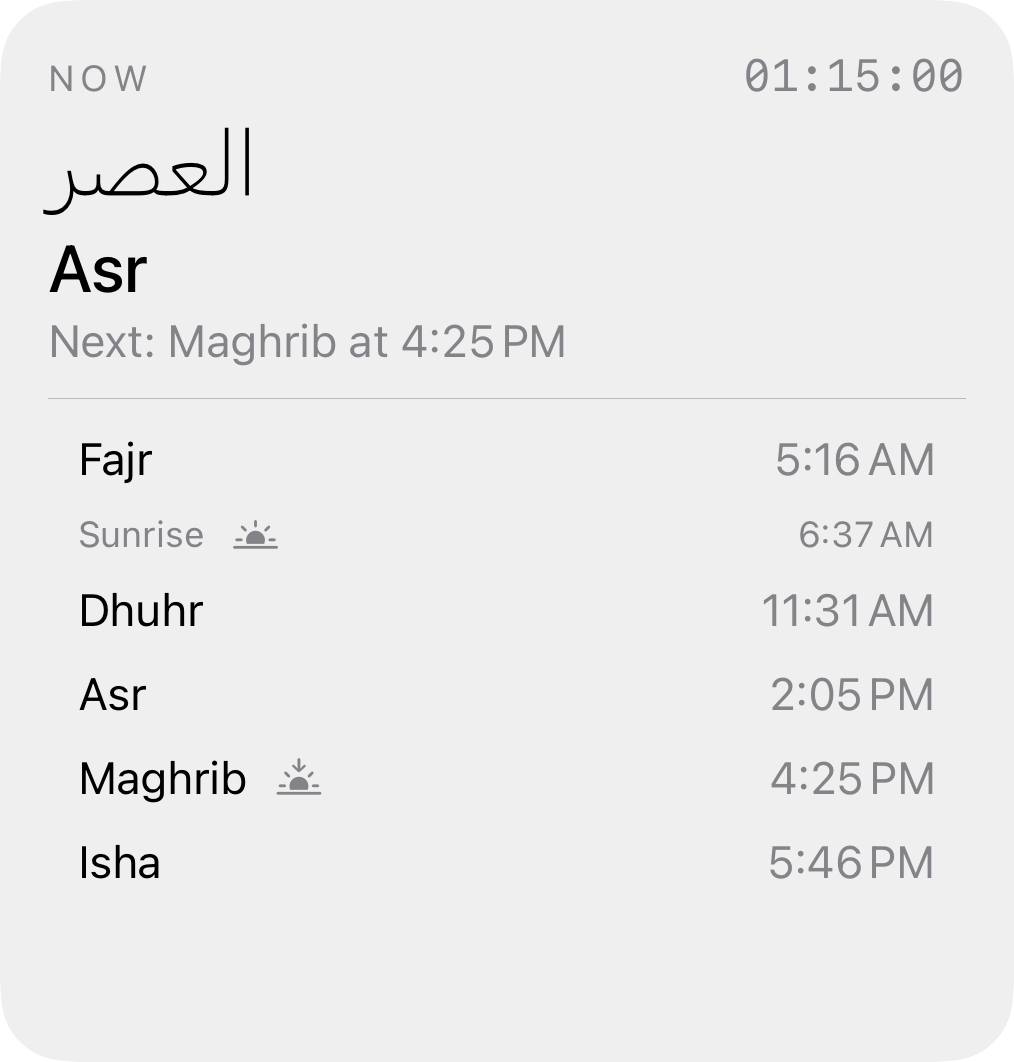
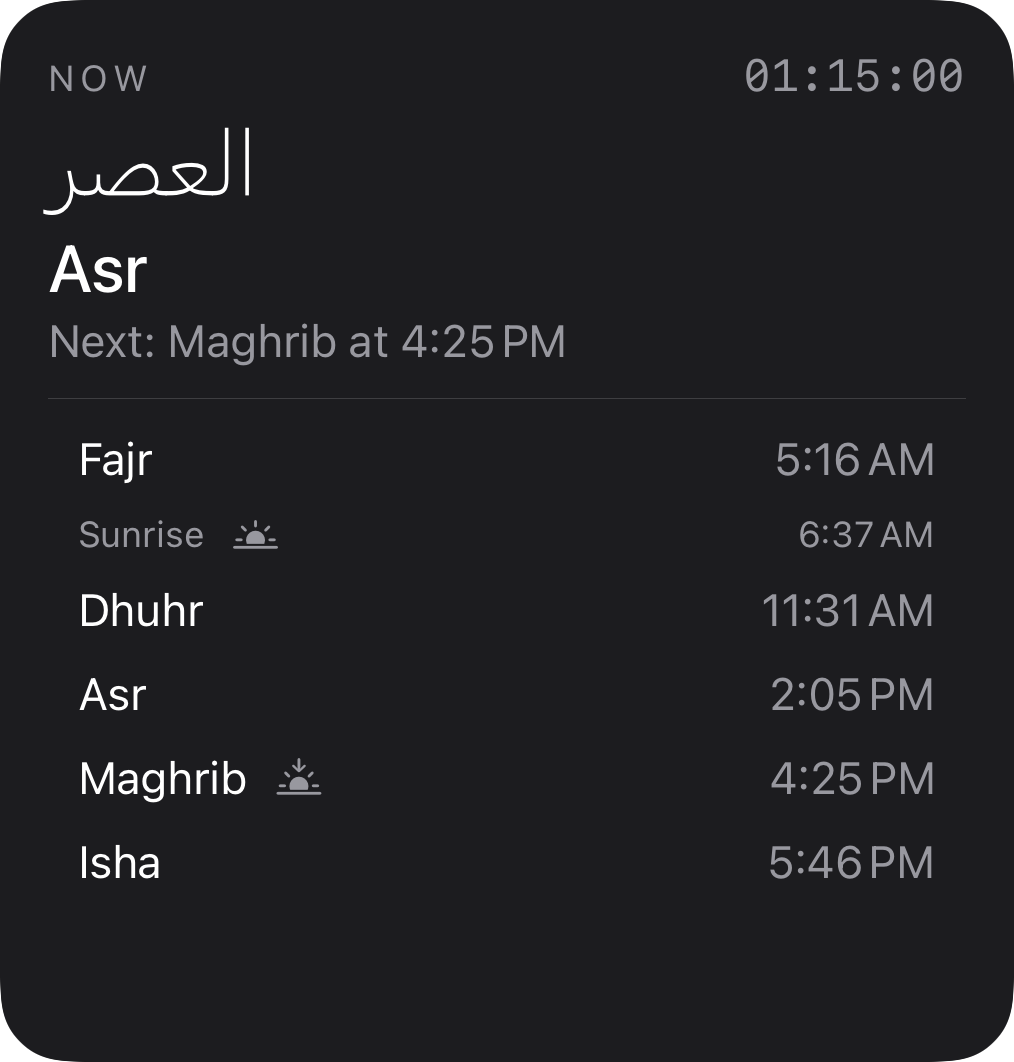
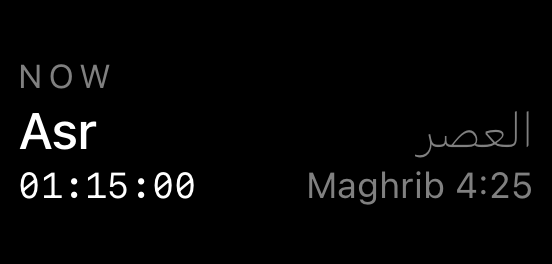
Add Home Screen widgets (small, medium, and large) or Lock Screen widgets that show the current and next prayer with a countdown.
Pick which surah to recite in each Rak'ah. The Quran Guide shows full surahs, including long ones, as the reciter continues.
Follow guided Eid and Janazah (Funeral) prayers, plus a Jumu'ah guide for Friday prayer.
Posture illustrations, optional Du'as (Du'a al-Ma'thur and the Du'a after Tashahhud), Prostration of Recitation, a Prayer Guide, and a Glossary.
In the App
On your iPhone, on your wrist, and on your Home and Lock Screens. Guided Salah, Qibla, and prayer times follow you across the Apple Watch app and widgets.



Maqam Prayer brings together guided Salah, prayer times, Qibla direction, Adhan, Wudu support, and flexible pacing, with an Apple Watch app and iPhone widgets, in one thoughtful companion for daily worship.
Download on the App StoreYes. Novice-focused guidance and readable step flow are core parts of the app.
All five — Fajr, Dhuhr, Asr, Maghrib, and Isha. Each prayer is fully guided with the correct number of Rak'ahs, Arabic text, transliteration, and meaning for every step.
Yes. Maqam Prayer includes Adhan support with audio options you can configure in settings. You can enable or disable it per prayer according to your preference.
Yes. Users can adjust pause timing in settings and during prayer steps.
Yes. It includes a Qibla compass and a dedicated Wudu guide.
Yes. The app includes a Quran guide with the Arabic text and English translation for the Surahs recited during Salah. You can also listen to audio recitations directly in the app, making it easier to learn the correct pronunciation at your own pace before and during prayer.
Maqam Prayer requires an active internet connection for prayer time calculations and audio recitations. Features like the Qibla compass also rely on your connection and location. We recommend using the app with Wi-Fi or cellular data enabled for the full experience. The Apple Watch app and widgets show the day's prayer times synced from your iPhone.
No. Location is used only to determine prayer times and Qibla direction and is never stored on our servers or shared with third parties. All settings and preferences stay on your device. See our Privacy Policy for full details.
Maqam Prayer requires iOS 26.2 or later on iPhone. The Apple Watch app requires watchOS 26 or later. It also runs on iPad (iPadOS 26.2 or later).
Yes. The Apple Watch app shows your prayer times on a sun-path view, today's times, and the Qibla direction on your wrist. It also adds complications that show the next prayer and its time on your watch face. Everything is synced from your iPhone, and it requires watchOS 26 or later.
Yes. Add Home Screen widgets (small, medium, and large) or Lock Screen widgets to see the current and next prayer with a countdown.